Three benefits at a glance
From your MySalon.ch dashboard straight to your salon’s Google presence — no marketing degree needed.
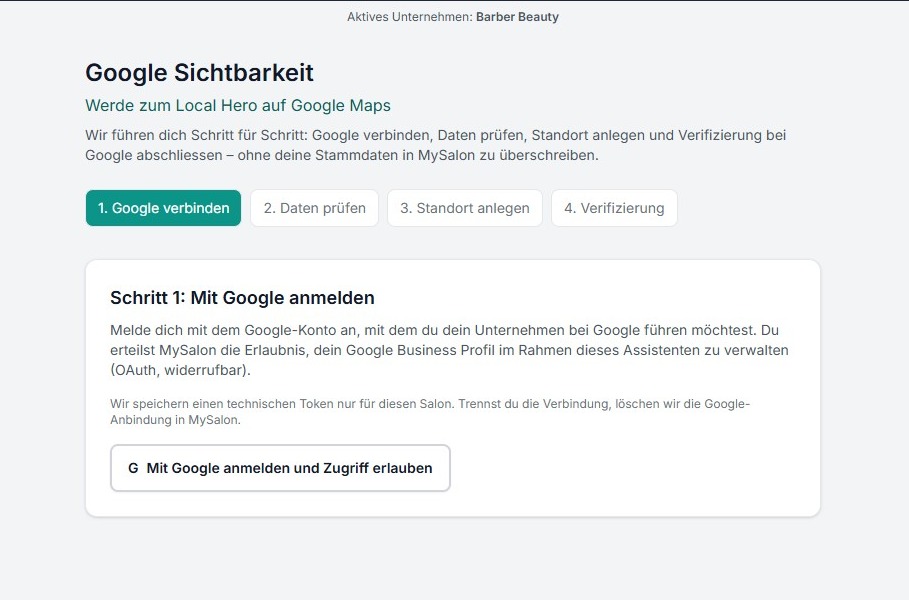
Guided setup
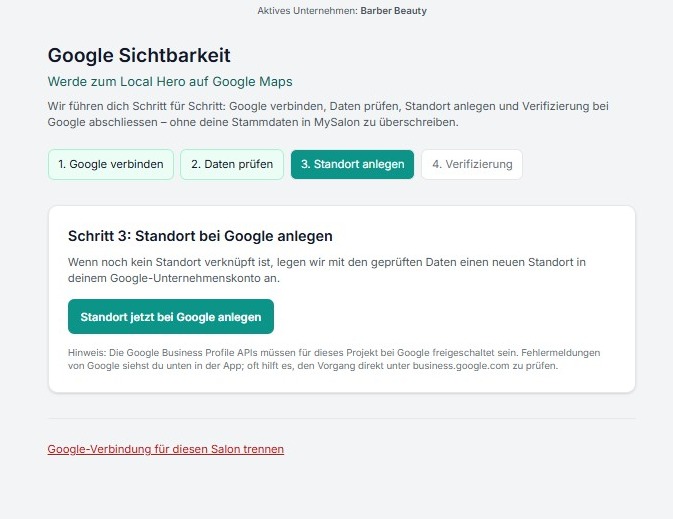
In just a few minutes you create your Google Business Profile from the dashboard: category, salon details and opening hours — all prepared by the wizard.
Verification step by step
After the listing is created we walk you through Google verification (postcard, phone or video). You always know what to do next.
Visible on Google
A complete listing makes you appear in Google Maps and local search — right where your customers are already looking.
What we do today — and what is coming next
We are transparent: these are the Google Business Profile API features we use today, more will follow.
Technically implemented
Waiting for Google API approval
- • Sign in with Google (OAuth 2.0, scope business.manage)
- • Prepare and check salon details and opening hours from MySalon
- • Create the listing on Google once (locations.create)
- • Verification guidance (postcard, phone, video)
Planned
- • Automatic updates of opening hours and contact details after changes in MySalon
- • Read and reply to reviews
- • Publish posts and offers straight from the dashboard
These features are fully implemented in our code and will be activated for all users as soon as Google finalises Business Profile API access for our project.
About the scope: business.manage is the write scope defined by Google for the Business Profile API — required both for the one-time location creation (locations.create) and for the planned features (updates, reviews, posts). Google’s documentation does not provide a narrower write scope.
Secure and certified.
We use the official Google Business Profile API for a secure, privacy-compliant connection between your salon and Google.
- ✓ OAuth 2.0 with Google — we never store your Google password.
- ✓ Minimal permission scope (business.manage) — only what we really need.
- ✓ Disconnect any time from the dashboard — tokens and data are deleted.
- ✓ Swiss hosting, processing compliant with DSG / GDPR.
Provider & legal seat
MySalon.ch is a product of ITmakers GmbH, Döbeligut 4, 4665 Oftringen (Switzerland). Imprint
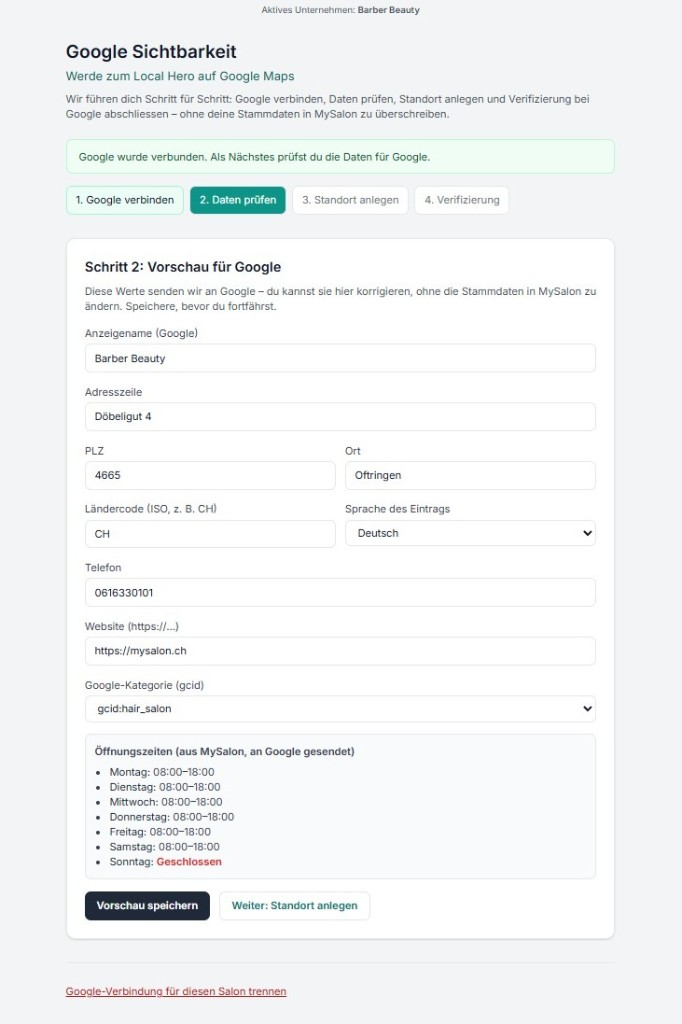
Step 3: Create your location on Google
After reviewing your details you create the location with one click via the Business Information API — as Google intends.
Ready for more visibility?
Connect MySalon.ch to your Google Business Profile and get found where your customers search.
Try for freeNo credit card required. Up and running in 2 minutes.